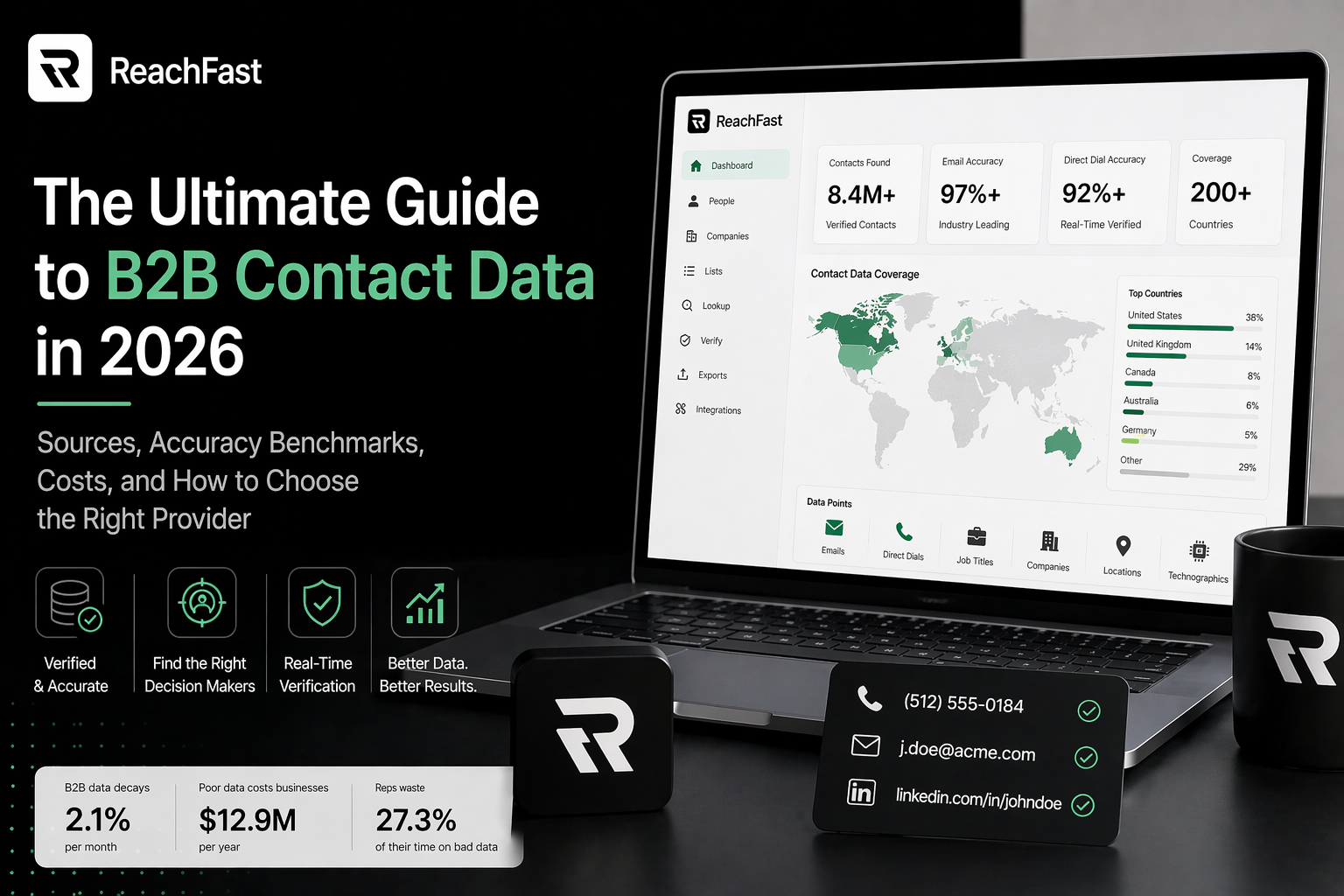
Most sales teams lose more pipeline to bad lists than to bad calls.
A list full of wrong emails, old phone numbers, and people who left the company six months ago doesn’t fail loud. It fails slow. Your team dials, sends, and gets nothing back. Then somebody blames the script or the product, swaps a few words, and wonders why the next week feels just as dead.
The fix starts way before the first call. This guide walks you through how to build a B2B prospect list with verified contact info, from the very first step of picking who to target all the way to the point where your reps are dialing live mobile numbers. No fluff, no 50-tool stack, just the steps that matter.
What a B2B Prospect List Actually Is
A B2B prospect list is a clean file of people who fit your ideal customer profile, along with their role, company, and up-to-date contact info. That’s the short version.
The longer version: a real prospect list has four things.
- The right people. Titles that match who signs your deals.
- The right companies. Size, industry, location, and any other fit signals.
- Fresh contact info. Mobile numbers, personal or work emails, and LinkedIn URLs.
- Proof it’s been checked. A date stamp or status flag showing when each record was last verified.
A spreadsheet of 10,000 names with no verification is a graveyard. A list of 300 checked contacts with real mobiles is a quarter’s worth of pipeline.
Why Verified Contact Info Is the Whole Game
Unverified lists don’t just waste time. They cost real money and hurt your sending reputation.
B2B sales and marketing data goes stale at over 36 percent per year UpLead. That means a list you built last spring is more than a third wrong by now, and you’d never know until the bounces pile up.
The dollar cost adds up fast. Poor data quality costs companies an average of $12.9 million per year, and 62 percent of teams are working with lists that are 20 to 40 percent wrong Leads at Scale. Reps feel it too. Sales reps lose 27.3 percent of their working time on bad contact data Prospeo. On a five-person team, that’s more than a full-time seat gone to nothing.
On the flip side, teams that fix their data see fast gains. Companies that enrich their leads with fresh, checked info see 35 percent higher email open rates and convert 20 percent more leads into customers Persana AI. Same reps. Same products. Better data.
So the first rule of list building: a small, clean list beats a huge, stale one every time.
Step 1: Define Your Ideal Customer Profile
Before you build anything, you need to know who you’re looking for.
An ideal customer profile (ICP) spells out the company type that’s most likely to buy. Pin down these five things first:
- Industry. Software, manufacturing, healthcare, staffing, and so on.
- Company size. Employee count or yearly revenue.
- Location. Country, region, or city if that matters for your product.
- Tech stack or tools. What they use now, if that’s a fit signal.
- Trigger events. Funding, hiring, product launches, or leadership changes that mean they’re ready to buy.
Then define the buyer inside that company. Titles, seniority, and department. For example: “VPs of Sales at Series B SaaS companies in North America with 50 to 500 employees that just raised Series B in the last 90 days.”
That’s not a vague list. That’s a focused, ready-to-act target.
Step 2: Source Companies That Fit
Once you know the shape of your buyer, start pulling a list of companies. A few good sources:
- LinkedIn Sales Navigator. Filter by industry, size, and growth signals.
- Crunchbase or PitchBook. Great for funded startups.
- G2 and Capterra. Useful if you sell to companies that use a specific tool.
- Industry directories. Chambers of commerce, trade groups, and niche lists.
- News triggers. Google Alerts for funding rounds, hires, or product launches in your space.
Don’t skip this step and jump straight to names. Starting with companies keeps your list focused. It also makes it easier to swap out dead accounts later without wrecking your whole pipeline.
Step 3: Find the Right People at Each Company
Now map names and roles to each company.
LinkedIn is your main tool here. Search by company, filter by title, and save profiles. For each target, grab:
- Full name
- Current job title
- Company
- LinkedIn profile URL
- Any recent activity that gives you a hook (posts, job changes, product launches)
For most teams, this is the slowest step if you do it by hand. It takes about 5 to 10 minutes per company to find the right two or three people. For a list of 200 companies, that’s 20 hours of research before you’ve touched contact info.
The good news: tools can do most of this for you now.
Step 4: Build a B2B Prospect List With Verified Contact Info
Here’s where most lists go wrong. The names are solid. The companies are a fit. Then someone pulls contact info from a cheap database and half the emails bounce.
To build a B2B prospect list with verified contact info that actually works, you need three things:
1. A real-time check at the moment you pull the data. Not a weekly refresh. Not a quarterly one. Live, at the second you export.
2. Multiple data sources in a waterfall. One source can’t cover every region and industry. The best tools hit six or seven sources per lookup.
3. A refund on bad data. If the tool won’t give you your credit back when a number is wrong, they don’t trust their own data either.
Tools like Reachfast are built for this. Paste a LinkedIn URL or upload a CSV, and it runs a live check across seven-plus data sources, returns a verified mobile number or personal email, and refunds any bad record on the spot. No support ticket, no fight.
Step 5: Add Context That Helps You Personalize
A list with just names and emails gets the same weak reply rates as a spam blast. Add context and everything changes.
For each prospect, add:
- Recent LinkedIn posts or reshares. What do they care about right now?
- Trigger events. New job, new role, new round of funding.
- Company news. Product launches, expansion, hiring spikes.
- Mutual connections. Who in your network can intro you?
This is the part most teams skip. It’s also the part that separates a 1 percent reply rate from a 10 percent one. High-growth companies like Figma have hit over 20 percent meeting rates by focusing on clean, well-targeted prospect data Scalelist instead of mass outreach.
Step 6: Check Your List Before You Use It
Even a tool that verifies at export deserves a quick once-over. Run these checks:
- Spot-check 20 random records. Open their LinkedIn. Are they still at that company?
- Flag any email that matches a pattern. Generic catch-alls like info@ or hello@ should never be in a prospect list.
- Confirm phone numbers are mobile, not office. Office lines ring nobody these days.
- Cross-check compliance. Are all records okay for GDPR, CCPA, and DSGVO?
Ten minutes of checking saves your reps a whole week of wasted dials.
Prospect List Tools Compared
Here’s how the main tools stack up on what matters for list building:
| Tool | Best For | Real-Time Check | Data Sources | Refund on Bad Data | Pricing |
|---|---|---|---|---|---|
| Reachfast | Verified mobiles and emails from LinkedIn URLs | Yes, at export | 7+ waterfall | Automatic | Month-to-month, from $39.99 |
| ZoomInfo | Enterprise account data | No, quarterly | 1 primary | Limited | Enterprise annual |
| Apollo | All-in-one sales engagement | No | 1 primary | No | Per-user monthly |
| Lusha | Quick LinkedIn lookups | Partial | 1-2 | Limited | Per-user monthly |
| UpLead | Mid-market prospecting | Yes | Multi-source | Yes | From $99/month |
| Cognism | GDPR-heavy markets | Yes | Multi-source | Limited | Enterprise annual |
Numbers are pulled from public pricing pages and accuracy reports. Real results vary by region and role.
Key takeaway: if you’re building lists weekly, real-time verification and refunds matter more than raw database size. A big database full of stale records is worse than a smaller one that’s fresh.
Step 7: Keep Your List Fresh
A prospect list is a living thing, not a one-and-done file.
B2B contact data goes stale at about 2.1 percent each month, or 22.5 percent each year Prospeo. Set a simple refresh schedule:
- Monthly: Re-check active contacts you’re still working.
- Quarterly: Full refresh across the whole list. Flag job changes.
- On demand: Any time a lead goes cold, check their LinkedIn for a move.
Tools with built-in job-change alerts save a ton of manual work here. If your prospect moves to a new company, you want to know the same week, not six months later.
The Full Workflow in One Page
Here’s the whole process, start to finish:
- Define your ICP. Industry, size, location, titles, triggers.
- Source companies. LinkedIn Sales Nav, Crunchbase, G2, news alerts.
- Find people at each company. Use LinkedIn search to map names and roles.
- Enrich with verified contact info. Use a real-time, multi-source tool.
- Add context. Triggers, recent posts, mutual connections.
- Check your list. Spot-check 20, flag catch-alls, confirm mobiles.
- Refresh often. Monthly for active, quarterly for the full list.
Follow these seven steps and you’ll have a list your reps actually want to work, not one they quietly avoid.
Compliance in One Paragraph
You can’t build a list in 2026 without thinking about data laws. In the US, the CCPA gives people the right to know what data you hold and delete it. TCPA limits how you can auto-dial mobile phones. Across the EU and UK, GDPR needs a lawful basis for contact and a clear opt-out. Germany adds DSGVO on top. Always use tools that source data ethically, track where each record came from, and support opt-outs. Skipping this is how companies get fined.
Common Mistakes to Avoid
A few traps that sink new list builders:
- Going big before going clean. A list of 10,000 bad contacts is a worse asset than a list of 500 good ones.
- Buying static databases. If the data isn’t checked in real time, you’re buying a snapshot that ages fast.
- Skipping the ICP step. A wide list gets low reply rates no matter how good the data is.
- Ignoring compliance. One big fine can wipe out a year of pipeline gains.
- Treating the list as static. A prospect list needs refreshing, or it dies on its own.
Frequently Asked Questions
How do I build a B2B prospect list with verified contact info?
Start with a clear ideal customer profile, then source companies that match your criteria. Map the right people at each company using LinkedIn. Finally, use a real-time contact enrichment tool like Reachfast to add verified mobile numbers and personal emails. Add context like recent triggers and mutual connections, then spot-check your list before your team starts outreach.
How many contacts should be on a B2B prospect list?
Quality beats size every time. A focused list of 200 to 500 well-matched, verified contacts will drive more meetings than a list of 10,000 unverified names. Top teams often work in smaller batches of 50 to 100 accounts at a time so reps can personalize each touch.
How long does it take to build a B2B prospect list?
Done by hand, expect 20 to 30 hours per 200 companies. With a real-time enrichment tool, the same list can be built and verified in an afternoon. The slow parts are ICP definition and research. Contact data pulls fast once the rest is locked in.
How do I verify the contact info on a B2B prospect list?
The best method is to use a tool that checks data at the moment of export rather than from a stored record. Real-time checks across multiple data sources hit 87 to 98 percent accuracy, while stored data drops to 60 to 75 percent within months. Always spot-check a sample by opening LinkedIn profiles and confirming current roles.
How often should I update my B2B prospect list?
B2B data goes stale at about 2.1 percent each month, so a monthly refresh for active contacts and a full quarterly refresh for the whole list is the safe baseline. Use tools with job-change alerts to catch moves as they happen.
Is it legal to build and use a B2B prospect list?
Yes, in most cases, as long as you follow the rules for each region. US calls fall under TCPA. EU and UK contacts fall under GDPR. Germany adds DSGVO. California adds CCPA. Use vendors that source data in a lawful way, track where each record came from, and support opt-outs. Keep a record of your data source for each contact.
What’s the best tool to build a B2B prospect list?
The best tool depends on your stack and budget. Reachfast is a strong pick if you want verified mobile numbers and personal emails from LinkedIn URLs, with real-time checks and bad-data refunds. ZoomInfo fits large teams with big budgets. Apollo is a solid all-in-one for mid-market. Lusha works for quick one-off lookups.
How do I find personal email addresses for a B2B prospect list?
Personal emails are hard to find from public sources alone. Tools that pull from consent-based data networks and opt-in sources can return personal emails when the prospect has made them public in some form. Reachfast pulls personal emails from six-plus data sources in a waterfall, which gives a higher match rate than single-source tools.
Sources
- B2B List Building: How to Generate Contact and Sales — UpLead
- B2B Cold Calling Conversion Rate Benchmarks — Prospeo
- Cold Call Connect Rate: How to Fix Yours — Prospeo
- Cold Calling Statistics 2025 — Leads at Scale
- 10 B2B Lead Generation Best Practices for 2026 — Scalelist
- 17 Lead List Building Methods That Work in 2025 — Persana AI
- Best B2B Sales Lead Databases for 2026 — SalesIntel
- Best B2B Lead Generation Tools 2026 — Growth List