How to Find a Phone Number from LinkedIn in 2026
LinkedIn is one of the easiest places to find the right person. Finding their phone number is a different story.
You can usually see someone’s job title, company, location and career history on LinkedIn, but a direct phone number often isn’t available. That’s why sales teams, recruiters and business development teams use contact enrichment tools to find phone number from LinkedIn profiles.
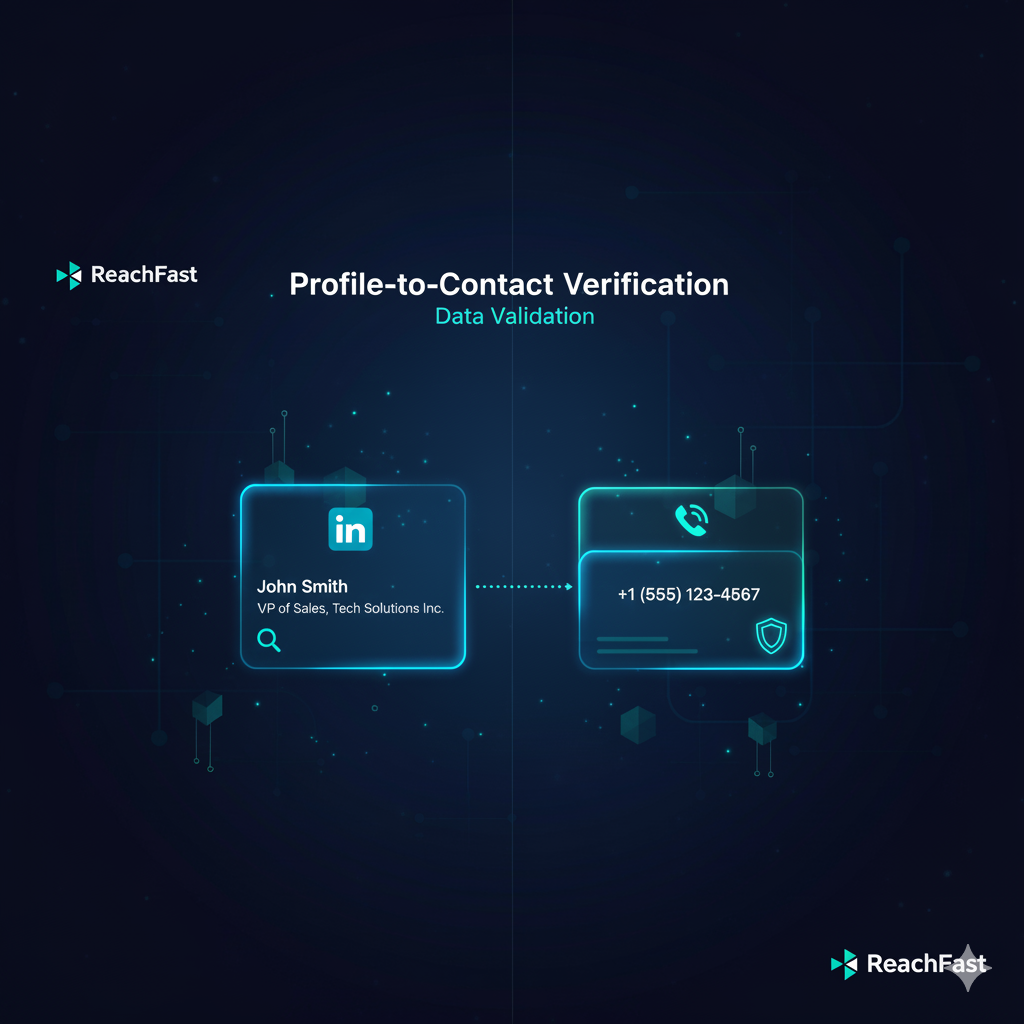
The basic idea is simple: start with a LinkedIn profile URL, use it to identify the person, and then match that profile against professional contact-data sources to find an available phone number.
In this guide, we’ll cover the easiest ways to find phone number from LinkedIn in 2026, which tools are worth considering, and how to choose the right one for your workflow.
Can You Find a Phone Number from LinkedIn?
Sometimes, yes.
If someone has added their phone number to the Contact Info section of their LinkedIn profile, you may be able to see it directly.
More often, though, you won’t find one there. LinkedIn is primarily a professional networking platform, not a phone-number database.
That’s where contact enrichment comes in. An enrichment platform uses the LinkedIn profile as an identity signal and attempts to match that person against other sources of professional contact data.
So when someone says they want to find phone number from LinkedIn, what they’re usually looking for is a LinkedIn-to-phone lookup rather than literally extracting a phone number from the LinkedIn page itself.
4 Ways to Find a Phone Number from LinkedIn
The best method depends on how many people you’re trying to look up. If you’re researching one person, a browser extension is usually easiest. If you’re enriching thousands of profiles, bulk enrichment or an API makes much more sense.
1. Use a LinkedIn Contact Enrichment Tool
This is probably the easiest option for most salespeople and recruiters.
The workflow is straightforward:
- Open the person’s LinkedIn profile.
- Copy their LinkedIn profile URL.
- Paste the URL into a contact enrichment platform.
- The platform searches its contact-data sources for a matching record.
- If a phone number is available, it is returned along with other contact information.
This saves you from searching Google, company websites and old databases every time you need to contact someone.
Some of the better-known options include ReachFast, ZoomInfo, Lusha and ContactOut. They all have slightly different strengths, which we’ll compare below.
2. Use a LinkedIn Browser Extension
If you’re already prospecting inside LinkedIn, a browser extension can make the process even faster.
Instead of copying a URL into another website, you can open a LinkedIn profile and use the extension to look for available contact information.
ContactOut, for example, offers a Chrome extension that can find emails and phone numbers while you’re browsing LinkedIn profiles.
This approach works particularly well for recruiters and sales reps who research prospects one profile at a time.
3. Enrich LinkedIn URLs in Bulk
Things change when you’re dealing with hundreds or thousands of LinkedIn profiles.
You don’t want someone on your team opening 2,000 profiles and looking up phone numbers manually. That’s where bulk enrichment becomes useful.
A typical workflow looks like this:
- Export a list of LinkedIn profile URLs.
- Upload the list to your enrichment platform.
- Let the platform match the profiles with contact records.
- Export available phone numbers and emails.
- Push the enriched data into your CRM, ATS or outreach platform.
This is particularly useful for staffing firms, recruiting teams, SDR teams and RevOps teams working with large prospect or candidate lists.
ContactOut, for instance, supports bulk enrichment of LinkedIn profile URLs, including contact information such as phone numbers and emails.
4. Use a LinkedIn Enrichment API
If you need to find phone number from LinkedIn automatically inside your own product or workflow, an API is the better option.
For example, imagine your CRM already contains a LinkedIn URL but the phone field is empty. Instead of asking a sales rep to manually research the contact, your system can send the LinkedIn URL to an enrichment API and write the returned data back to the CRM.
This can be useful for:
- CRM enrichment
- ATS enrichment
- Recruiting platforms
- Sales prospecting systems
- Lead-generation tools
- Automated outbound workflows
ContactOut’s API, for example, supports LinkedIn profile URL lookups and can return phone information when available.
Best Tools to Find Phone Number from LinkedIn
There are quite a few contact-data platforms now, so choosing one can get confusing.
The important thing isn’t simply how many contacts a provider says it has. If your workflow starts with a LinkedIn profile, what matters is how often it can actually return a useful phone number for the people you’re looking for.
ZoomInfo
Best for: Larger sales organizations looking for a broad sales-intelligence platform.
ZoomInfo is one of the established names in B2B data. It’s worth considering if you need contact information alongside company intelligence, buying signals, workflows and other GTM features.
The tradeoff is that ZoomInfo is a much broader platform. If your main requirement is simply to find phone number from LinkedIn, you may not need everything that comes with a full sales-intelligence platform.
Lusha
Best for: Teams looking for B2B contact data and enrichment.
Lusha provides professional contact information including phone numbers and emails, along with enrichment and sales-intelligence features.
It’s a solid choice if you’re looking for a general-purpose B2B contact-data platform rather than something focused specifically on LinkedIn-to-phone lookup.
ContactOut
Best for: Recruiters and sales teams that spend a lot of time on LinkedIn.
ContactOut is particularly relevant to this use case because its product is built around finding professional contact information from people profiles. It currently advertises access to 350M professionals and supports LinkedIn profile lookups, browser-based enrichment and API access.
If your team lives in LinkedIn, it’s definitely one of the tools worth testing.
ReachFast
Best for: Teams where LinkedIn-to-phone accuracy and coverage are the main priority.
ReachFast is built around a slightly different approach to contact enrichment.
Instead of relying on a single contact database, ReachFast uses a 7+ data-provider waterfall. When one source doesn’t have a phone number for a LinkedIn profile, the system can continue checking additional sources.
That matters because no single contact database has every person. A profile that isn’t available in one provider may be available in another.
ReachFast currently covers 385M+ professionals across 190+ countries, giving it a large pool of profiles to match against.
So if your specific requirement is to find phone number from LinkedIn, ReachFast is the option I’d test first. The combination of a large professional database, multiple data providers and a workflow built around LinkedIn URLs makes it particularly well suited to this use case.
What Makes a Good LinkedIn Phone Number Finder?
Database size is useful, but it shouldn’t be the only thing you look at.
If you’re comparing tools to find phone number from LinkedIn, pay attention to:
- Phone-number coverage: How often does the platform actually return a number?
- Accuracy: Does the number belong to the person you’re looking for?
- Freshness: How frequently is contact data updated?
- Data sources: Does the provider rely on one database or multiple sources?
- Workflow: Can you search individual profiles, enrich lists in bulk and use an API?
- Pricing: How much are you actually paying for a valid phone number?
I’d also recommend testing providers with your own data before committing to a large plan.
Take a sample of LinkedIn profiles that matter to your business and compare the number of valid phone matches each provider returns. That’s a much better way to judge a data provider than comparing database-size claims on landing pages.
Legal and Ethical Considerations
Before you find phone number from LinkedIn and start calling people, remember that access to contact data isn’t the same thing as permission to contact someone.
The rules depend on where the person is located, what you’re contacting them about, what type of number you’re using and which laws apply to your business.
- Use reputable professional-data providers.
- Use contact information for legitimate business purposes.
- Respect opt-outs and do-not-contact requests.
- Follow applicable privacy and telemarketing laws.
- Avoid treating a phone number as permission to contact someone indefinitely.
A good contact-data workflow should make outreach more efficient, not give your team an excuse to spam people.
A Simple LinkedIn-to-Phone Workflow for 2026
If you’re setting this up for a sales or recruiting team, you don’t need to overcomplicate it.
- Find the right person on LinkedIn.
- Copy their LinkedIn profile URL.
- Run the profile through an enrichment tool.
- Check the returned contact information.
- Add the contact to your CRM or ATS.
- Reach out with a relevant reason for contacting them.
- Respect opt-outs and suppression requests.
The technology takes care of the repetitive part. Your team still needs to make the actual outreach useful.
Example Outreach Cadence After Finding the Number
Once you’ve successfully managed to find phone number from LinkedIn, the next question is what to do with it.
Don’t turn every contact into an aggressive five-day calling sequence. A simple multi-channel cadence is usually a better starting point:
- Day 1: Call with a clear reason for reaching out.
- Day 2: Send a short follow-up email.
- Day 4: Follow up on LinkedIn if appropriate.
- Day 6: Try another call if the person is a strong fit.
- Day 8: Send a final, low-pressure follow-up.
The goal isn’t to contact someone as many times as possible. It’s to make each touch relevant enough that they understand why you’re reaching out.
ReachFast vs. ZoomInfo vs. Lusha vs. ContactOut
All four tools can help with contact discovery, but they make sense for slightly different use cases.
- Choose ZoomInfo if you want a broad sales-intelligence platform with contact data, company intelligence and GTM workflows.
- Choose Lusha if you want B2B contact data with enrichment and sales-intelligence capabilities.
- Choose ContactOut if your team spends a lot of time sourcing people on LinkedIn and wants quick access to emails and phone numbers.
- Choose ReachFast if your primary goal is to turn LinkedIn profile URLs into accurate phone numbers and you want multiple data providers working behind the lookup.
ReachFast’s main differentiator is the combination of 385M+ professionals and a 7+ data-provider waterfall. Rather than relying entirely on one database, the system has multiple sources it can use when looking for a match.
For teams whose main KPI is simply how often can we find the right phone number from a LinkedIn profile?, that’s the reason ReachFast is worth testing.
Final Thoughts
LinkedIn is excellent for identifying the right person, but it isn’t designed to give you every piece of contact information you need.
That’s why tools that find phone number from LinkedIn have become so useful for sales teams, recruiters and business development teams.
If you only need occasional lookups, a LinkedIn browser extension may be enough. If you’re working with hundreds or thousands of profiles, bulk enrichment or an API will save a lot more time.
And if phone-number coverage and accuracy are the main things you’re buying the tool for, I’d compare ReachFast alongside ZoomInfo, Lusha and ContactOut — then test each one against the actual LinkedIn profiles your team cares about.
Because at the end of the day, the goal isn’t simply to find phone number from LinkedIn.
It’s to find the right phone number for the right person, quickly enough that your team can actually do something with it.