Three months of warmup. Three seconds of bad data. That’s all it takes to torch a sending domain.
Most teams don’t realize they’ve broken something until the reply rate goes flat and the pipeline dries up a month later. By then, the damage is done. Inbox providers have already downgraded the domain, and clean sends for the next few weeks are paying off last month’s mistakes.
The fix is simple in theory. Verify every email before it ships. The problem is, most teams think they already do. This guide rips apart 8 of the most common myths about how to verify a B2B email address before you send, then lays out the 5-step workflow that actually keeps your bounce rate under 2%.
Quick Take (For the Busy Reader)
- Only 23.6% of B2B marketers verify their list before each send. The other 76% are gambling with their domain.
- Under 2% bounce rate is the safe zone. Over 5% gets your account suspended by most ESPs.
- B2B email lists decay 28% per year. That’s a quarter of your list dead every 12 months.
- Pattern-guessed emails are not verified emails. Always run SMTP checks before importing.
- The fix is fast. Teams that add pre-send verification cut bounces by 80%+ in under a month.
Why the Stakes Are Higher in 2026
Inbox providers have stopped grading on a curve.
A few years ago, a 3 to 5 percent bounce rate on cold outreach was fine. Not anymore. A healthy bounce rate now sits under 2 percent for marketing email and under 5 percent for cold outreach. Above those thresholds, you’ve got a data or authentication problem Prospeo.
The death spiral looks like this: you send to a list. A chunk bounces. Gmail and Outlook lower your sender score. Your next send goes to spam. Spam folder placement kills engagement. Engagement tanks further. Now you’re on a blocklist. That’s weeks of recovery, sometimes months.
The worst part? Sender reputation damage is assessed at the domain level, not the individual address level. Every hard bounce from every SDR on the team counts against the same domain MyEmailVerifer. One sloppy rep can burn the whole team.
So, before you send anything, you need to know the difference between what looks like verification and what actually is.
Myth 1: “If the Tool Found It, It’s Verified”
Reality: Most B2B tools find emails using pattern guessing, not real verification.
Pattern inference works like this. The tool sees that Company X uses the format first.last@companyx.com, so when you search for John Smith, it spits out john.smith@companyx.com. Looks right. Probably is right. But probably isn’t a guarantee.
Pattern inference generates a predicted email based on the format, but it may not match an active mailbox, especially if the contact uses a variation or the pattern has changed. Neither pattern inference nor database matching produces a confirmed, valid address. Both require SMTP verification before outreach MyEmailVerifer.
Every email, no matter where it came from, should go through an SMTP check before it touches your sequencer.
Myth 2: “My Tool Verified It Last Month, So It’s Fine”
Reality: Email data goes stale fast. Last month’s verified list is this month’s bounce trap.
B2B email lists decay at roughly 28 percent per year, and the rate is accelerating, with email decay hitting 3.6 percent in a single month in November 2024, nearly doubling traditional rates Instantly.
People change jobs, companies rebrand, and corporate emails die within 30 to 90 days after someone leaves. So the question isn’t “when was this list built?” The question is “when was each address last checked?” If the answer’s more than 30 days ago, verify again.
Also watch the date field your tool shows you. Last-updated is when someone edited a field in the database. Last-verified is when the provider confirmed the email was actually deliverable. A record can show a last-updated date from this week, but if last-verified is eight months ago, the underlying email validity is unknown Instantly.
Always ask your tool which date they show, and always trust last-verified over last-updated.
Myth 3: “A Catch-All Domain Means the Email Is Valid”
Reality: Catch-all domains are the fastest way to wreck your bounce rate.
A catch-all server accepts any email address at a domain, then decides later whether the mailbox exists. Verification tools flag these as “Accept All” because the server says yes even when the specific mailbox doesn’t exist.
For cold outreach, catch-alls are high-risk. The server might accept on day one and bounce on day three. Catch-all domains accept any email address format, making validation difficult. These addresses carry higher bounce risk and should be approached carefully or avoided entirely to protect your sender reputation Instantly.
The safer play: suppress catch-all addresses unless you have strong intent signals that justify the risk. One real deal beats 20 sketchy sends every time.
Myth 4: “Soft Bounces Don’t Count”
Reality: Soft bounces in 2026 are often hard bounces in disguise.
A soft bounce used to mean a temporary issue. Full mailbox, server down, vacation auto-reply. Now, aggressive spam filters use soft bounces to hide blocks. Nowadays, aggressive spam filters often disguise blocks as soft bounces. If you see a spike in soft bounces, it might actually be a reputation issue, not a full mailbox Bouncify.
A consistent soft bounce from the same provider is a warning flag. It means Gmail or Outlook is politely telling you they don’t trust your domain. Fix your reputation or you’ll see those soft bounces turn into hard ones.
Myth 5: “A Few Bounces Won’t Hurt”
Reality: The threshold is lower than most teams think, and the penalty is severe.
HubSpot suspends sending when hard bounces exceed 5 percent, spam reports top 0.1 percent, or unsubscribes pass 5 percent. Other platforms have similar thresholds, even if they’re less transparent about them Prospeo.
At 5 percent, you’re not getting a warning email. You’re getting locked out. And once your domain is flagged, recovery takes weeks of clean sending at low volume. Meanwhile, your pipeline goes dark.
It takes three months to warm up a domain and three seconds to burn it with a bad list Instantly. That’s the math nobody talks about until it’s too late.
Myth 6: “I Can Skip Verification on Small Lists”
Reality: Bounce rates are measured as percentages, so small lists are actually more dangerous.
If you send 50 emails and 4 bounce, you’re at 8 percent. ESPs don’t care that the absolute number is tiny. The percentage crosses the threshold, the flag goes up, and your reputation drops.
Only 23.6 percent of B2B marketers verify their email lists before campaigns. Three out of four teams are gambling with their domain reputation every time they hit send Prospeo.
Small list, big list, test send. Verify every time.
Myth 7: “My CRM Has Good Emails Because the Deals Closed”
Reality: Closed deals don’t mean current data.
The deal closed two years ago. The decision maker might’ve moved companies since then. The email on the record is stored, not checked. Without a real-time check, it’s a prediction, not a fact.
This matters for re-engagement campaigns especially. If you are using a list you built in 2024 without verifying it, a quarter of those emails are dead. That’s an automatic 25 percent bounce rate waiting to happen Bouncify.
Before any campaign that touches stored CRM data, run a full verification pass.
Myth 8: “I Just Need a Verification Tool, That’s It”
Reality: Verification is one layer. Domain authentication is the other, and most teams are missing it.
Only 7.6 percent of the top 10 million domains enforce DMARC with quarantine or reject policies. Getting this right puts you ahead of 92 percent of senders Prospeo.
So, in addition to SMTP verification, your sending setup needs:
- SPF record: Tells inbox providers which servers are allowed to send email from your domain.
- DKIM signature: Cryptographic proof that the email was authorized.
- DMARC policy: The rules for what happens when SPF or DKIM fails.
Miss any of the three and receiving servers might reject your mail even with a verified list. The bounces look like data problems. They’re really authentication problems.
How to Verify a B2B Email Address Before You Send: The 5-Step Workflow
Enough myths. Here’s what actually works.
Step 1: Source from a Tool That Verifies at Export
Not all contact tools are built equal. The good ones check the email against live SMTP data at the moment you export it. The bad ones hand you a stored record and hope.
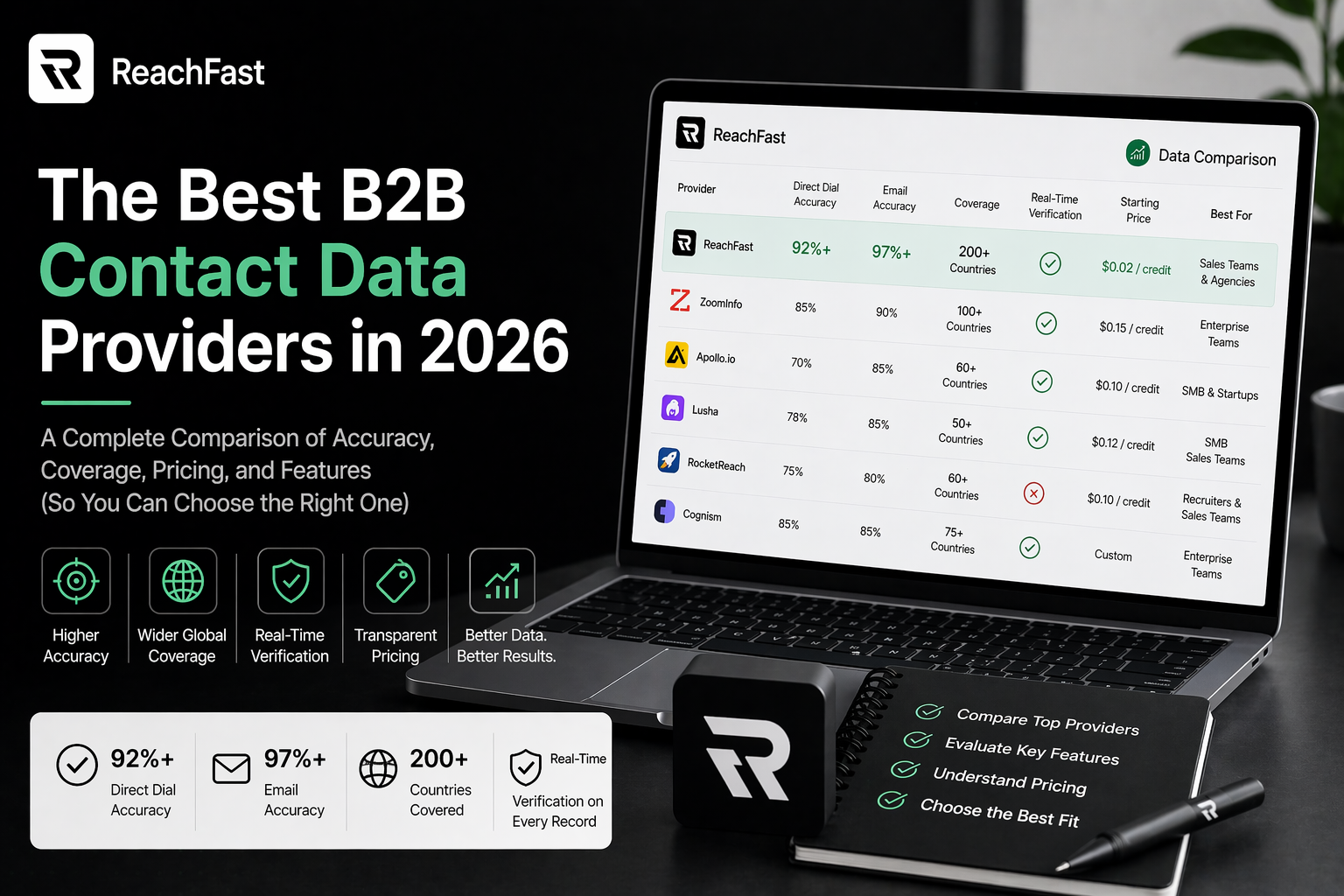
Reachfast, for example, runs a live verification across seven-plus data sources every time you pull a contact. If a number or email doesn’t check out, you get your credit back. No support ticket.
Start with a tool like this and you’ve already cut most of your bounce risk.
Step 2: Run a Second-Pass Verification on Any Imported List
Even with a good source tool, do a second pass before you send. Bulk email verification runs cost a fraction of a cent per address and catch anything that slipped through.
Popular second-pass tools include ZeroBounce, Bouncer, NeverBounce, and MyEmailVerifier. Costs usually land between $0.003 and $0.01 per address.
This is the single highest-impact habit you can build. Teams that add verification as a mandatory pre-send step cut bounces by 80 percent or more regardless of which tool they use Prospeo.
Step 3: Check Your Authentication Setup
Before your next send, pull up your domain’s DNS records and confirm:
- SPF record lists every sending service you use
- DKIM signature is live on every mailbox
- DMARC policy is set to at least
p=quarantine
Free tools like MXToolbox or Google Postmaster give you a quick read. If any of the three is missing or misconfigured, fix it before you ship.
Step 4: Suppress High-Risk Addresses
Before import, filter out:
- Role-based addresses: info@, sales@, admin@, contact@. These go to multiple people and often hit spam traps.
- Catch-all domains: Unless you have strong intent signals on the contact.
- Free email providers for B2B campaigns: gmail.com, yahoo.com, hotmail.com. If the target’s personal email is truly the best channel, fine. Otherwise, stick to work domains.
- Disposable addresses: Mailinator, GuerrillaMail, and similar throwaways.
Step 5: Monitor After Every Send
Verification catches most issues. It doesn’t catch everything. So after each campaign:
- Pull your bounce rate from the sequencer.
- Suppress any hard-bounced address immediately.
- Check soft bounces for domain patterns. A spike from one provider is a reputation warning.
- Review inbox placement with a free test like GlockApps or MailTester.
Ten minutes of review after each send prevents weeks of cleanup later.
Bounce Rate Benchmarks by Campaign Type
Here’s where your bounce rate should sit if you’re verifying correctly:
| Campaign Type | Healthy Bounce Rate | Warning Zone | Danger Zone |
|---|---|---|---|
| Opt-in marketing | Under 1% | 1-2% | Over 2% |
| B2B cold outreach | Under 2% | 2-5% | Over 5% |
| Re-engagement | Under 3% | 3-5% | Over 5% |
| Enrichment-sourced | Under 2% | 2-4% | Over 4% |
Key takeaway: the numbers tighten every year. If you were hitting 4 percent in 2022 and you’re still at 4 percent now, you’re slowly losing ground even though your stats look flat.
What Real Teams Save With Verification
A Reddit practitioner shared a real-world result that shows the pattern. Sending 800 to 1,000 emails per week, they were bouncing at 22 percent. After adding verification and improving lead sourcing, they dropped to 7 percent in three weeks, and their call connect rate also climbed from 12 percent to 19 percent Prospeo.
Same team. Same sequences. Just a verification step and a cleaner source. The ripple effect into phone outreach is the kicker. Clean email data often means clean phone data, and connect rates go up across the board.
Compliance in One Paragraph
Email verification isn’t optional under modern data rules. GDPR requires a lawful basis for contact in the EU and UK, and explicit opt-out handling. Germany layers DSGVO on top. California’s CCPA gives recipients the right to know and delete data you hold. The US CAN-SPAM Act requires clear opt-out links and accurate headers. Always use verification tools that source their validation methods in a lawful way, and keep a record of your verification timestamp for each contact. Non-compliance is expensive; a single fine can wipe out a year of pipeline.
Frequently Asked Questions
How do I verify a B2B email address before I send?
Run the address through an SMTP-based verification tool like ZeroBounce, Bouncer, or NeverBounce. For best results, use a contact tool like Reachfast that verifies at export, then run a second-pass bulk verification on any imported list. Also confirm your SPF, DKIM, and DMARC records are set up correctly, because authentication failures often look like bounces.
What’s a safe bounce rate for B2B cold outreach?
Under 2 percent is the gold standard. Between 2 and 5 percent is a warning zone where your sender reputation starts dropping. Above 5 percent, most ESPs like HubSpot, Mailchimp, and others will suspend your account. Cold outreach runs slightly higher than opt-in marketing, but the target should still be under 2 percent whenever possible.
How often should I re-verify my B2B email list?
Every 30 days for active sequences, and a full pass before any re-engagement campaign. B2B emails decay at about 28 percent per year, with some months hitting 3.6 percent in a single month. A list verified last quarter already has a meaningful number of dead addresses.
Why do my emails bounce even when the addresses look correct?
Three main reasons. First, the mailbox was deactivated after the person changed jobs, even if the address format is right. Second, the domain might be a catch-all that accepts all mail then discards internally. Third, your domain authentication (SPF, DKIM, DMARC) might be misconfigured, causing receiving servers to reject mail that would otherwise deliver.
Are free email verification tools good enough?
Free tools work for spot checks and small lists. For cold outreach at scale, paid tools like ZeroBounce, Bouncer, or MyEmailVerifier catch more catch-alls, spam traps, and disposable addresses. The marginal cost (usually $0.005 to $0.01 per address) is almost always cheaper than the reputation damage of one bad send.
What’s the difference between a hard bounce and a soft bounce?
A hard bounce is a permanent failure. The address doesn’t exist, the domain is dead, or the server is rejecting mail for good. A soft bounce is a temporary issue like a full mailbox or a server outage. Historically, soft bounces were less damaging. In 2026, though, many spam filters hide blocks as soft bounces, so persistent soft bounces are often a reputation warning.
Can I verify emails pulled from LinkedIn?
Yes, but you have to run them through SMTP verification first. LinkedIn-sourced emails often come from pattern-guessing, which doesn’t confirm the mailbox is live. Tools like Reachfast pull personal emails from a live waterfall across multiple data providers and verify at export, which is cleaner than scraping LinkedIn alone.
Will verifying emails slow down my outreach?
Only if you batch it wrong. Real-time verification at the moment of export takes seconds. Bulk verification of a few thousand addresses takes minutes. Compared to the weeks of recovery after a blocked domain, the time spent verifying is nothing.
Sources
- How to Clean Your B2B Email List — Instantly
- Email Verification for B2B Sales Teams 2026 — MyEmailVerifier
- How to Calculate Email Bounce Rate 2026 — Prospeo
- Email Bounce Rate by Industry 2026 — MyEmailVerifier
- Why Your Email Bounce Rate Is High in 2026 — Bouncify
- Domain Reputation and Email Warmup Guide — Landbase
- Email List Accuracy vs Freshness — Instantly
- 2026 Email Verification Benchmark — Instantly
- Email Bounce Rate Benchmarks and Fixes — Prospeo